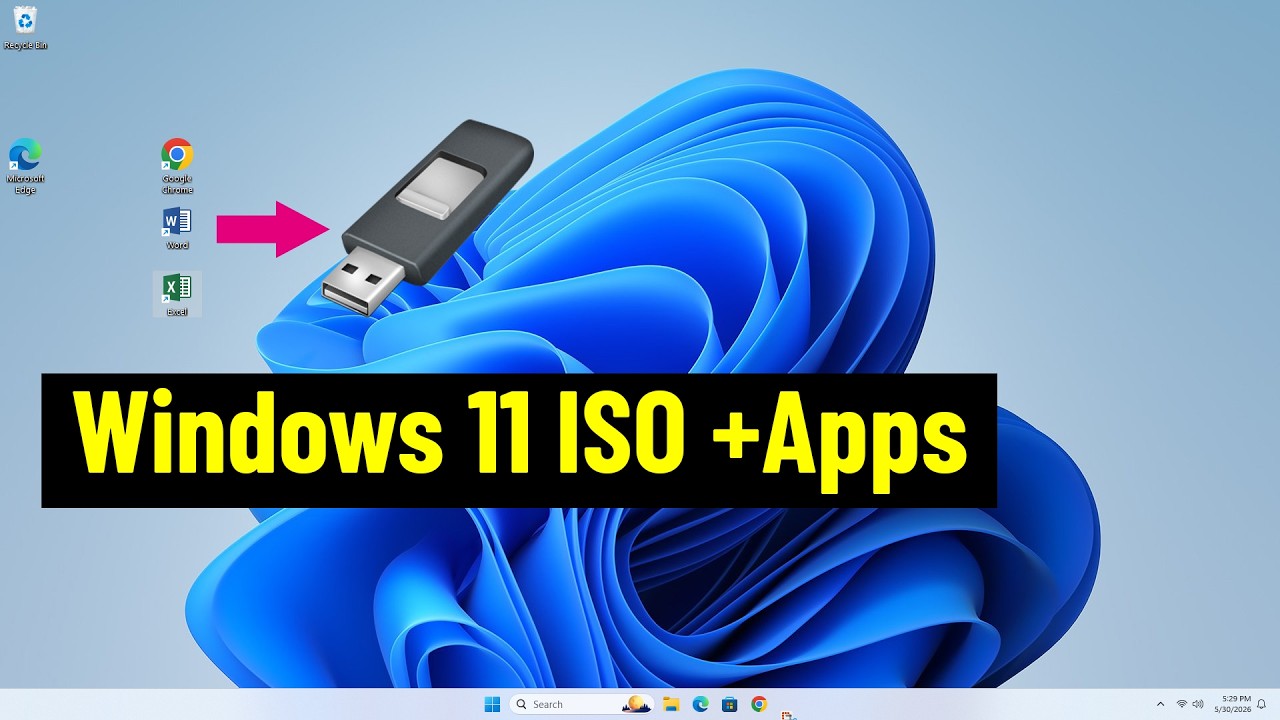
How to Integrate Update Package to Windows11.iso
In this video I will show you how to integrate the latest update package into a Windows ISO file
Commands
1. Select OS version
Dism /Get-ImageInfo /ImageFile:"path_to_install.wim"
2. Mount the WIM file
DISM /mount-wim /wimfile:"path_to_install.wim" /index:6 /mountdir:"path_to_mount_dir"
3. Add Windows Update Package to WIM file
Dism /Add-Package /Image:"path_to_mount_dir" /PackagePath="path_to_update_package_file"
4. Dismount the WIM file and Save Changes
dism.exe /Unmount-wim /mountdir:"...
Commands
1. Select OS version
Dism /Get-ImageInfo /ImageFile:"path_to_install.wim"
2. Mount the WIM file
DISM /mount-wim /wimfile:"path_to_install.wim" /index:6 /mountdir:"path_to_mount_dir"
3. Add Windows Update Package to WIM file
Dism /Add-Package /Image:"path_to_mount_dir" /PackagePath="path_to_update_package_file"
4. Dismount the WIM file and Save Changes
dism.exe /Unmount-wim /mountdir:"...




 216.73.216.139